Guide · 01
Getting started
RP42 is an advanced calculator built on RPN — reverse Polish notation. If you’ve used an HP-12C or HP-42S, you’ll feel right at home. If you haven’t, you’ll be fluent in five minutes. The rest of this page is that primer.
What you see on first launch
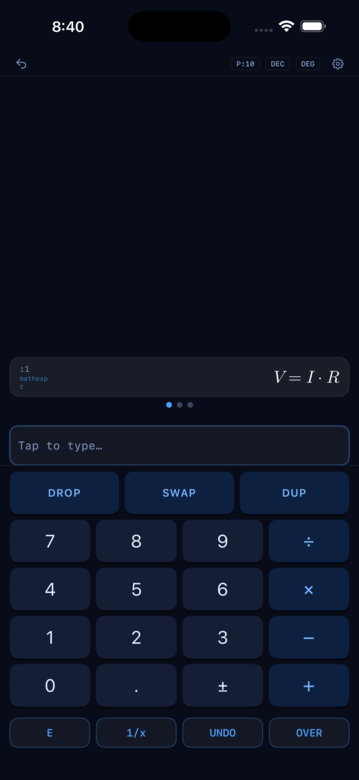
When you open RP42 you see four bands stacked vertically:
- Status bar at the top — precision, radix, angle mode, and a settings gear.
- The stack, scrollable, growing from the top. Each value is a card.
- The entry field, blinking a cursor, ready for input.
- The keypad, with a row of package tabs along the top of it.
A three-minute RPN primer
Forget the equals sign. In RPN you push values onto a stack, then apply operations to whatever is on top. Two examples:
Add 3 and 4:
3 ENTER
4 +
The stack now reads 7.
Square root of 16:
16 SQRTThe stack reads 4.
That’s it. No parentheses, no operator precedence to remember. Every operation just consumes the top of the stack and replaces it with the result.
Your first calculation
Try it now. Tap the keypad in this order:
3 ENTER 4 +
After the last tap, the stack shows:
A word about the stack
The stack is the heart of RPN. In RP42 it’s visible — every value on it is a card you can read, tap, and inspect. The X register (the top of the stack, level 1) is what most operations consume. Y is level 2, Z is level 3, and so on.
The next page, The stack, covers how to interact with cards in depth.